Delta Executor Discord Server: Official Community, Updates and Support
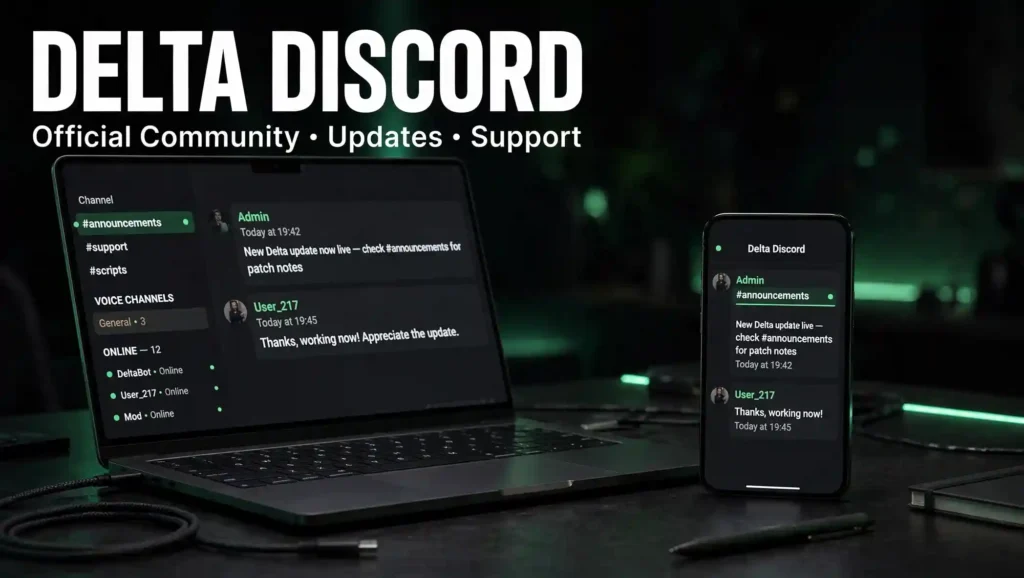
If you use Delta to run Roblox scripts, the Delta Executor Discord server is the best place to stay updated and get help. It is where new versions get announced, where you can fix errors fast, and where the community shares scripts and tips.
This guide explains what the Delta Discord is for, how to join it, and how to avoid the fake servers floating around. We keep everything simple, so you know exactly what you are joining and why.
What Is the Delta Executor Discord Server?
The Delta Executor Discord server is the community hub for Delta users. It is where players, helpers, and the people behind Delta come together in one place. Inside, you get update announcements, a support channel for when something breaks, and a space to share and find working scripts. In short, it is the fastest way to stay connected to everything Delta.
What Is a Discord Server?
If you are new to Discord, it is a free chat platform where people join servers built around a shared interest. Each server has text and voice channels for different topics. For Delta, that means separate channels for updates, support, scripts, and general chat, so you can quickly find what you need without digging through one long feed.
Why Join the Delta Executor Discord?
There are a few strong reasons to join the Delta Discord server.
Delta Executor Discord Features
The server is organized so you can find help fast. Here are the main features.
Support for iOS, Android, PC, and Mac Users
One of the best parts of the Delta Discord is that it covers every platform. Whether you run Delta on iPhone, iPad, Android, Windows, or Mac, there are people who use the same setup and can help. This makes it easy to solve device-specific problems, like a certificate issue on iOS or an emulator question on PC.
How to Join the Delta Executor Discord Server
Joining takes less than a minute. Follow these steps.
- Go to the official Delta website.
- Find the Discord link or the Join Discord Server button.
- Click the invite link.
- Log in to your Discord account, or make a free one if you do not have it.
- Accept the invite, and you are in.
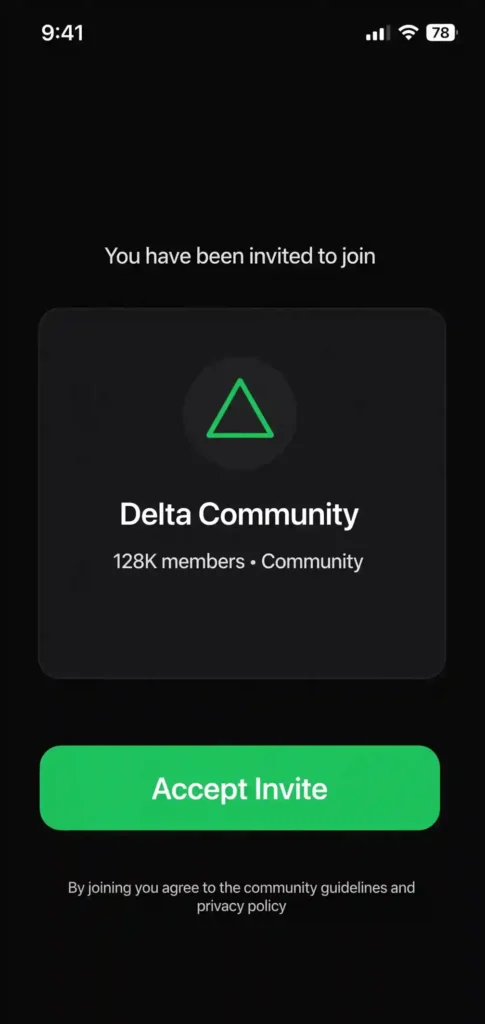
Once you join, read the rules channel first, then head to announcements for the latest builds.
Get Help When Delta Stops Working
Executors break from time to time, usually after a Roblox update. The Discord is the quickest place to find a fix. Here is a simple troubleshooting guide for the most common issues.
- App will not open or inject. Check the announcements channel for a patched version, then reinstall.
- Key not working. Your key likely expired. Generate a new one and paste it again.
- Certificate revoked on iOS. Wait for a fresh build or reinstall through a sideloading app.
- Scripts failing. Make sure your script matches the current game and that Delta is up to date.
If none of that works, open a support ticket in the server and describe your device and the exact error.
Why Does the Discord Invite Link Sometimes Expire?
You may notice that old Delta Discord links stop working. This happens because these servers can get shut down or replaced, and a new invite link is created. It is normal in this space. The safest move is to always grab the current link from the official Delta website rather than from a random post, since that is where the working link is kept updated.
How to Avoid Fake Delta Discord Servers
There are many fake Delta Discord servers that copy the name and try to trick users. Some share files with malware or push scam links. To stay safe:
- Only use the invite link from the official Delta website.
- Do not download files posted by random members you do not trust.
- Ignore anyone promising a special no-key or premium version, since those are usually scams.
- Never share your Roblox password with anyone in a server.
Is the Delta Discord Free and Safe?
Yes, the Delta Discord is free to join. It is also safe as long as you use the official link and do not download random files from unknown users. The community itself is a helpful place, but like any open server, you should think before you click a link or install something a stranger shares.
Pros and Cons of the Delta Discord
Pros | Cons |
|---|---|
Free to join and use | Fake copycat servers exist, so you must use the official link |
First place to get updates and new builds | Response times can vary depending on who is online |
Fast community support and troubleshooting | You should be careful with files shared by strangers |
Free scripts and helpful tips | — |
Frequently Asked Questions
Final Words
The Delta Executor Discord server is the heart of the Delta community. It is where updates land first, where you get help when something breaks, and where players share the scripts that make the tool fun. Just remember to join through the official link, stay away from fake servers, and be careful with files from strangers. Do that, and the Delta Discord will be one of the most useful tools you have.